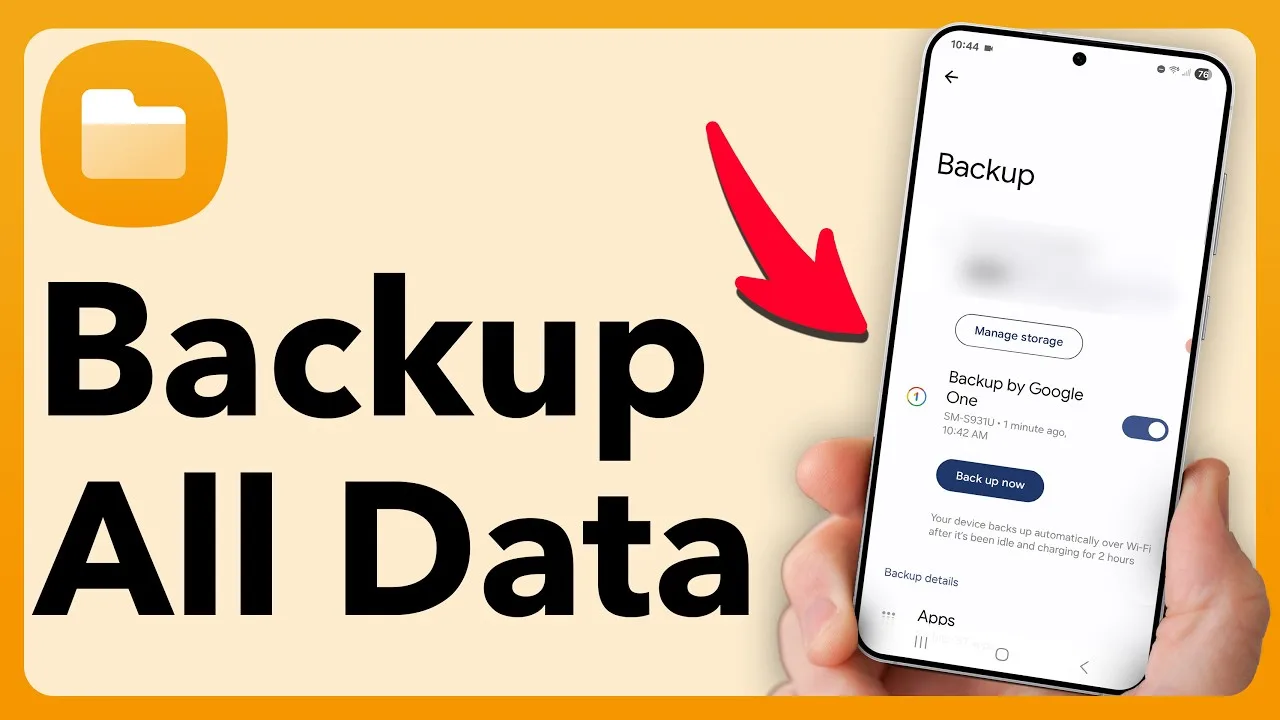
A macro library represents hours of small decisions: timings tuned by trial, sequences ordered by experience, names that finally make sense. Losing it to a phone change, a reset or a careless update is painful precisely because it is so preventable. A simple backup routine, done occasionally, protects all of it.
While you are organising copies, it is worth bookmarking the Macro Space Panel download and setup page so a fresh install on any new phone starts from the same overview and app details.
What a Proper Backup Contains
A useful backup holds more than the macro files themselves. Add a short note with your panel position, your key timing choices, and the names of the macros you rely on daily. Files restore the sequences; notes restore the setup around them, and it is usually the setup details people forget and spend longest rebuilding.
Date the note in your own files if you wish, and keep the wording plain. A backup you cannot understand in six months is only half a backup, and future you deserves the same clarity you would want from anyone else's instructions.
Store Copies in Two Places
Keep one copy on the phone and one away from it, in cloud storage or on a computer. Two places matter because the common disasters, loss, damage and reset, all take the phone and everything only stored on it together. A copy that lives elsewhere survives exactly the events you bought it for.
Make the off-phone copy part of the routine, not an occasional extra. The tidying habits in how to edit and organise macros in Macro Space Panel pair naturally with this, since a library that is organised is far quicker to copy and far easier to verify afterwards.
Back Up at the Moments That Matter
Three moments deserve a fresh backup: before an app update, before changing phones, and after any session where you built or improved a macro you care about. Those moments cover both risk and progress, and together they mean your stored copy is never far behind the library you actually use.
The update routine in how to update Macro Space Panel on Android puts this backup first for a reason, because an update with a current copy waiting is a formality, while an update without one is an unnecessary gamble.
Test a Restore Once, Before You Need It
At least once, practise restoring: install fresh, bring the copy back, and run your main macros. Many backup routines have never been tested, and the first real restore is a bad time to discover a missing file or a misunderstood step. A calm practice run turns the whole process into something you know, not something you hope.
Write down what the practice taught you and store that note with the backup. Restore steps, in order, in plain words, are the difference between a twenty-minute recovery and an afternoon of rediscovery under pressure.
Keep the Routine Small Enough to Survive
The best backup routine is the one you still do in a year, so keep it short: copy the library, refresh the off-phone copy, update the settings note. Five minutes, three actions, done. Elaborate systems get abandoned, and an abandoned system protects nothing, however impressive it looked on the day it was designed.
Do the next backup today if you cannot remember the last one. That single act protects every macro you own, and from then on the three trigger moments, update, new phone and good building session, will keep the protection current without any further thought.
Build the Habit Gradually
Treat backing up macros as a habit you are building over two or three weeks, not a problem to finish tonight. Small, regular contact with the panel keeps what you learned last time fresh, and each session can add one idea, test it properly, and leave the setup slightly better understood than you found it.
Keep the same order each time you sit down: review what you changed last session, run one quick test, then make today's single improvement. That rhythm sounds plain, and that is its strength, because a plain rhythm is the kind you can still follow on a tired evening.
Signs You Are on the Right Track
Clear signs appear when backing up macros is going well: you can predict what a macro will do before it runs, you can explain your setup to someone else in a minute, and fixing a fault starts with a calm check rather than a rebuild. Those are skills, not settings, and they stay with you across devices and updates.
The opposite signs are just as useful. If you hesitate before every run, keep rediscovering the same fault, or cannot remember why a setting is set that way, the setup has outgrown your notes. Shrink it, document it, and let understanding catch up before adding anything new.
Make It Part of Your Routine
Attach backing up macros to moments that already exist in your day: the start of a session, the end of one, or the weekly tidy you already do. Habits linked to existing moments survive, while habits that need their own special occasion tend to be postponed until they are forgotten entirely.
Once the routine feels automatic, you can stop thinking about the method and go back to thinking about the play itself. That is the quiet finish line for all setup work: tools that serve the session so smoothly that they disappear from your attention while you use them.
Final Thoughts
Backing up macros is five minutes of copying and noting, repeated at the moments that matter, with copies in two places and one practice restore behind you. It is the least glamorous habit in this whole guide series, and the one most likely to save your entire library one day.